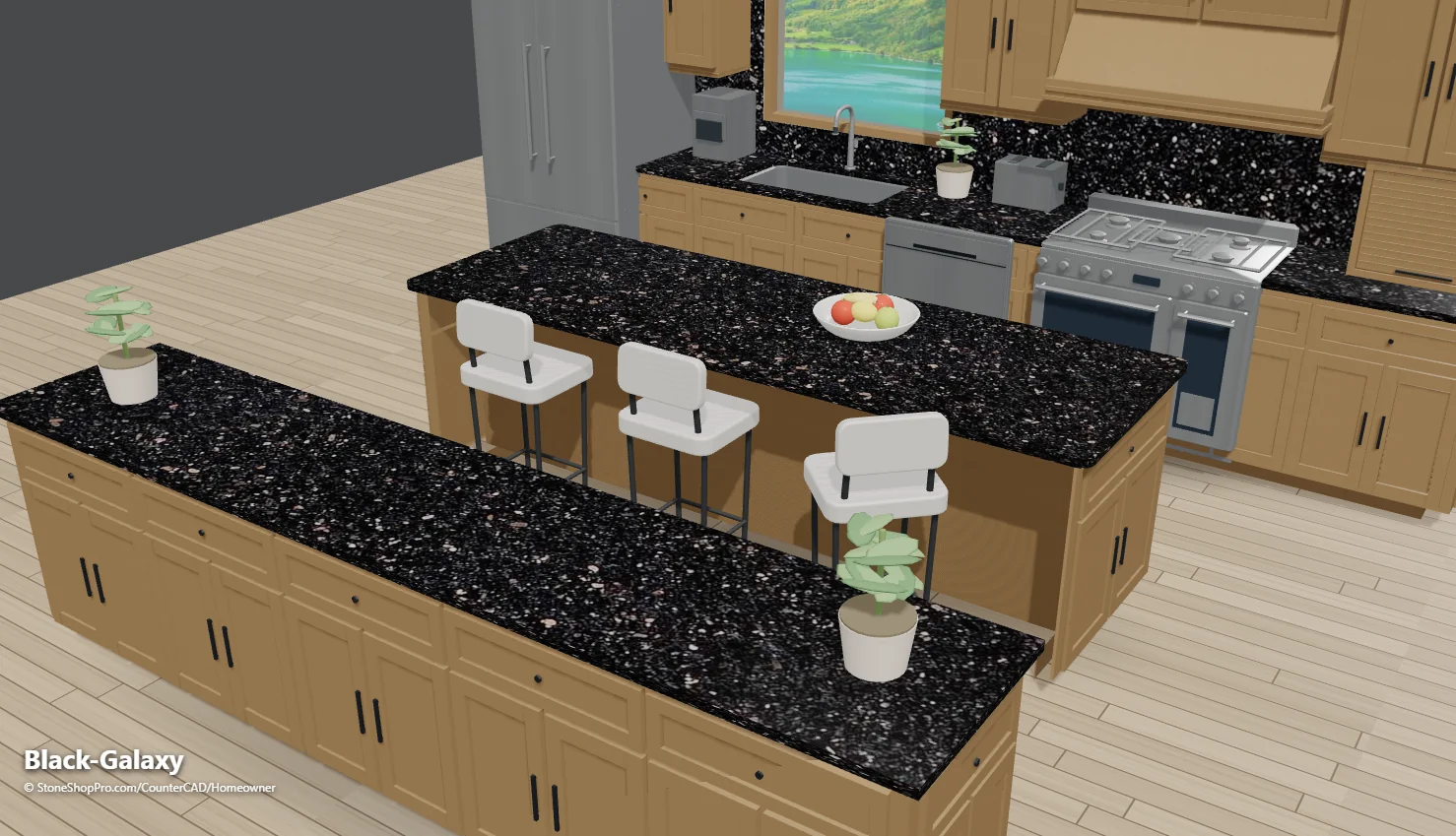
Free Countertop Design Tool for Homeowners
Use CounterCAD's free countertop design tool to draw a measured kitchen layout, compare countertop materials, and preview your design in 3D.
Compare independent countertop design with retailer countertop tools. Explore layout flexibility, 3D previews, material choice and local shop connections.
Design Your Countertops FreeExplore the GuideRetailer countertop tools and independent design software solve related but different problems. Home Depot and Lowe's help shoppers explore products and purchasing options through their retail programs. CounterCAD focuses on creating a countertop layout and visualizing materials before choosing a participating local professional.
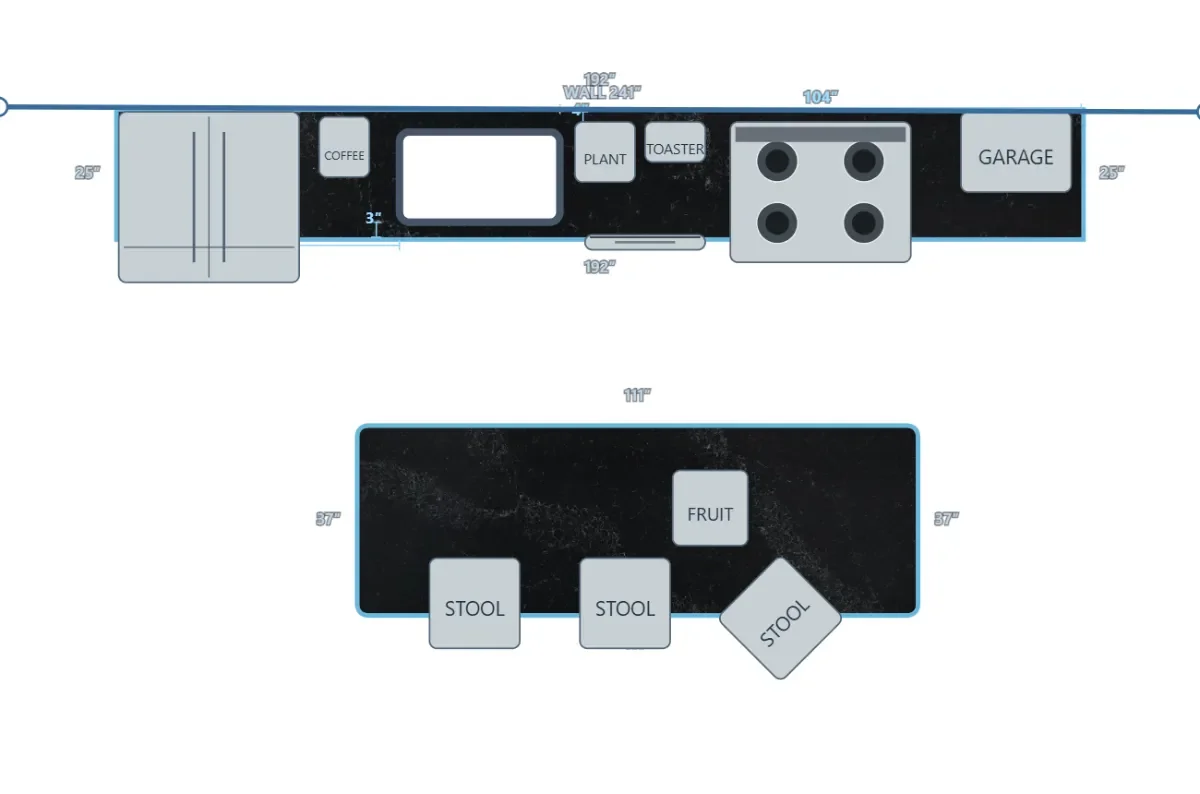
Home Depot has published a countertop design and estimating workflow that accepts measurements, material choices and design options. Retail programs can be convenient when you already intend to purchase through that retailer. Specific features, available products and local installation arrangements may change, so check the current tool before relying on a particular capability.
CounterCAD lets you begin with the shape of your own kitchen, explore a 3D preview and consider materials without making the design process depend on one major retailer's catalog. Participating local shops can provide their own materials and inventory choices. That is a different approach to the shopping journey, not proof that every retailer lacks comparable functionality.
Ask whether a tool is intended for consumers or fabricators, whether it supports measured layouts, how its 3D preview works, whether material options are limited to a particular seller, and how a project reaches the professional who will quote and install it. Also check whether a free design experience includes everything you need or whether advanced services cost extra.
A countertop concept becomes more useful when the professional can review dimensions, material preferences and installation details. CounterCAD is designed to support that handoff where participating local shops are connected. Final pricing, product availability and fabrication decisions remain with the shop.
| Evaluation | CounterCAD | Home Depot / Lowe's retail programs |
|---|---|---|
| Intended audience | Homeowners; professional edition available | Retail shoppers |
| Measured layout | Yes | Varies by current retailer tool |
| 3D countertop preview | Yes | Check current retailer tool |
| Material selection | Brand-independent; participating shop inventory | Retailer-specific assortment |
| Local professional connection | Participating local shops | Retailer installation network and services |
Retailer capabilities can change. See Home Depot and Lowe's for current offerings.
CounterCAD is designed for brand-independent countertop planning and can work with participating local shops.
Home Depot has published countertop design and estimating tools; features should be checked on its current website.
Yes. You can begin planning the layout and materials before discussing the project with a professional.
Use CounterCAD's free countertop design tool to draw a measured kitchen layout, compare countertop materials, and preview your design in 3D.
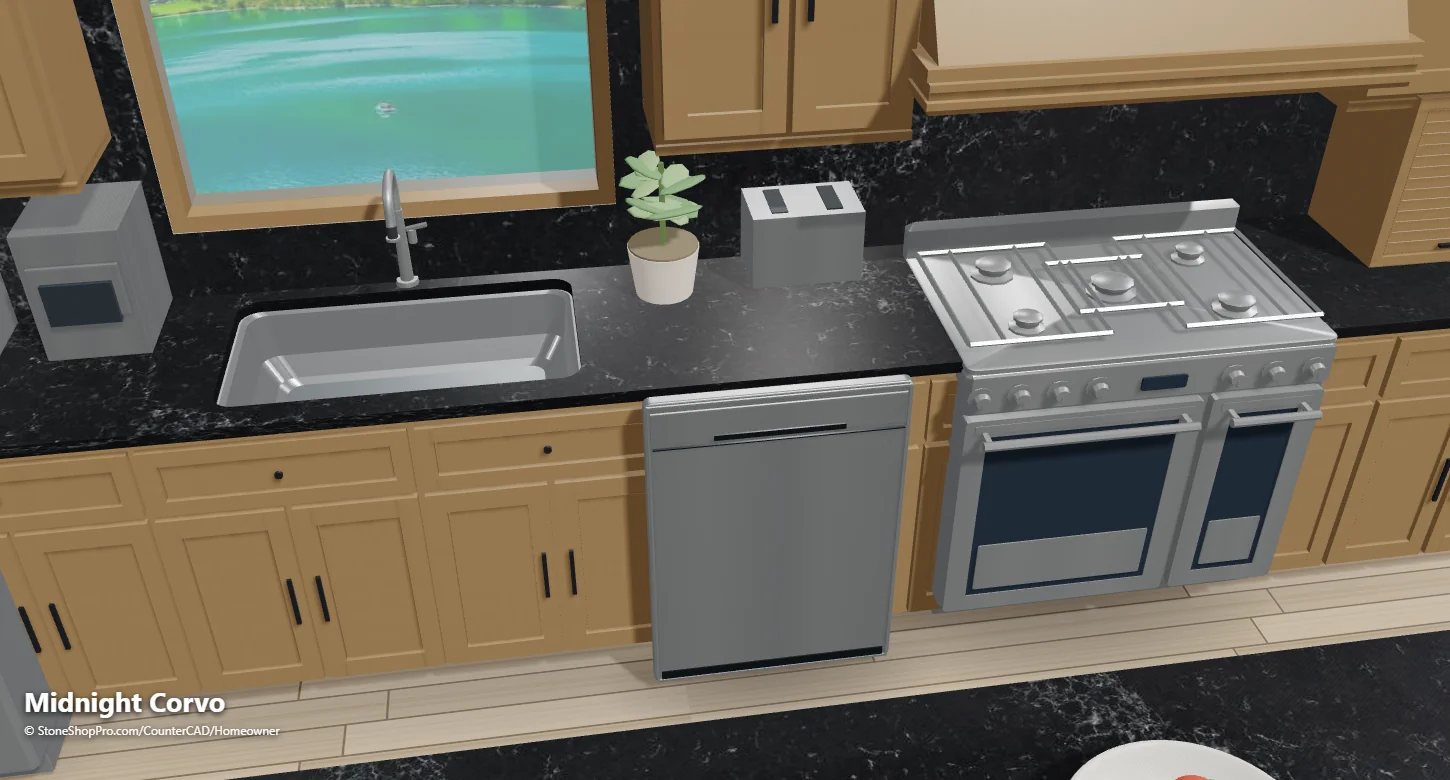
Learn how to estimate countertop square footage, account for islands and corners, and use CounterCAD to build a measured countertop layout.
Design countertops online in CounterCAD. Create kitchen layouts, preview granite and quartz materials in 3D, and share your concept with a local pro.