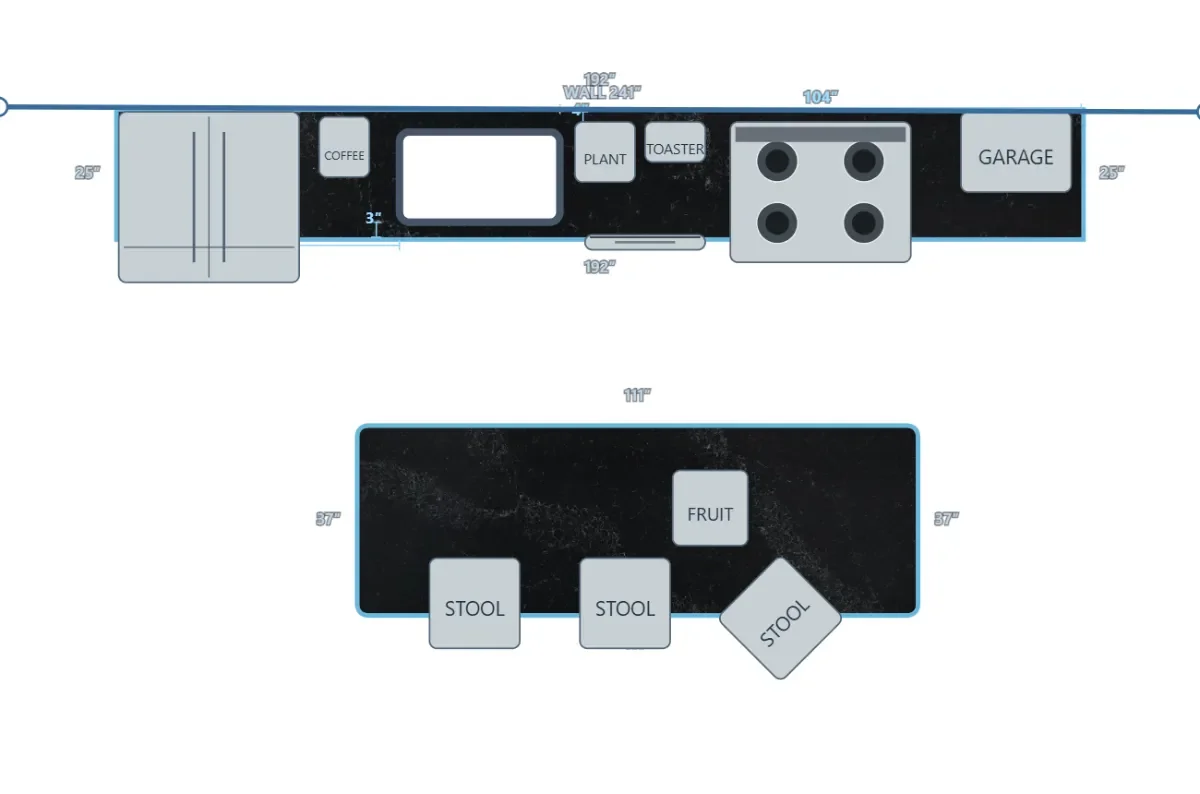
Free Countertop Design Tool for Homeowners
Use CounterCAD's free countertop design tool to draw a measured kitchen layout, compare countertop materials, and preview your design in 3D.
Explore quartz countertop colors and patterns with CounterCAD. Compare light, dark and veined looks in a 3D kitchen and plan your countertop layout.
Design Your Countertops FreeExplore the GuideQuartz countertop colors and patterns can look dramatically different in a showroom sample and across an entire kitchen. Before choosing a surface, compare how its color, veining and contrast work with your cabinet finish, flooring and lighting.
Light quartz can brighten a kitchen and create a clean visual line across long countertop runs. Some patterns are nearly solid; others have fine gray, beige or warm-toned veins. In a 3D preview, compare how each option works with white, wood or dark cabinetry. A very bright countertop can also make neighboring off-white finishes appear warmer.
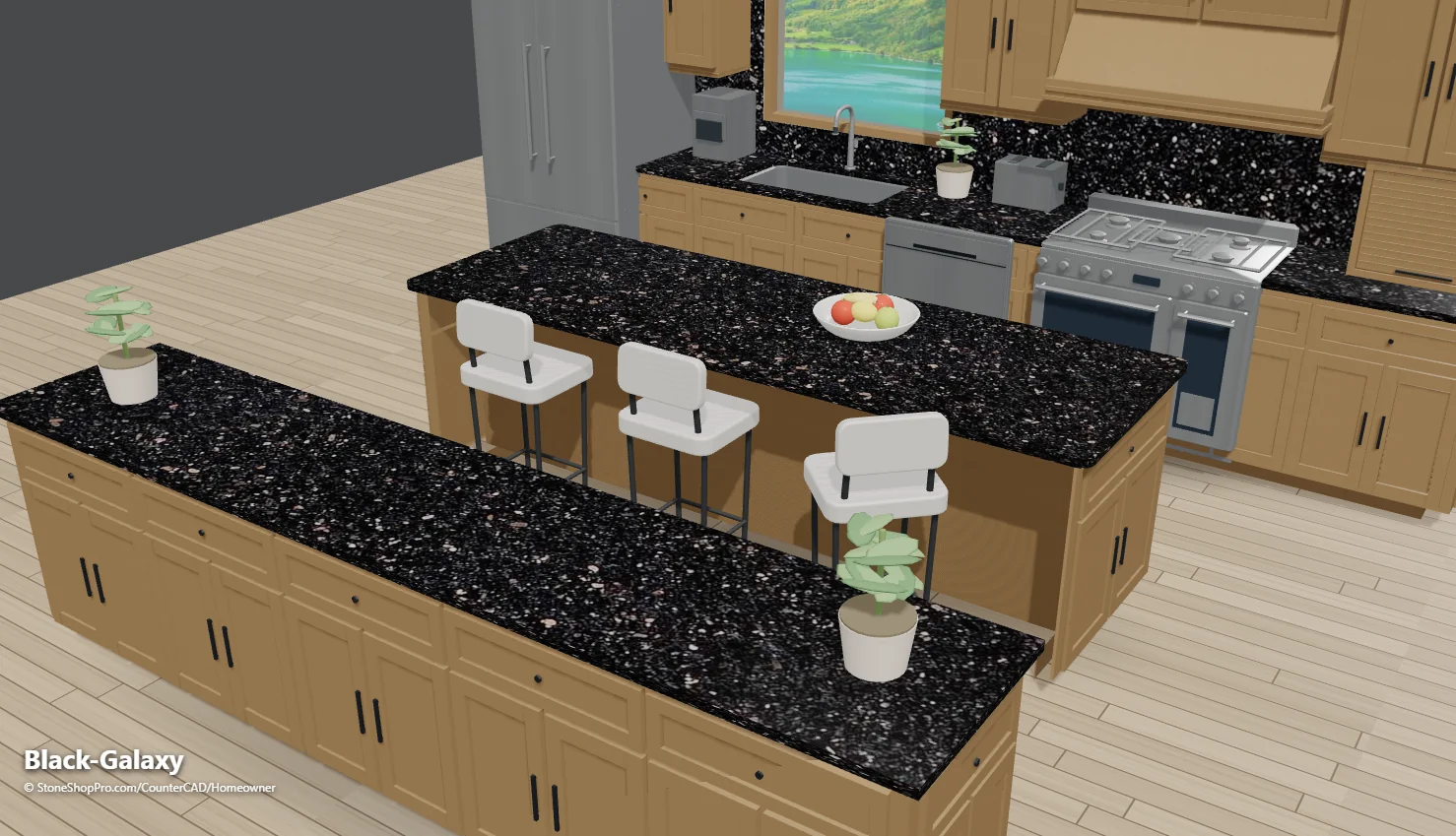
Large-scale veins make a stronger statement, particularly on islands and waterfall ends. The direction and placement of the pattern matter when pieces meet at a seam. A digital material preview is useful for exploring the overall look, but actual slab layout and vein matching require review of the selected material and fabrication plan.
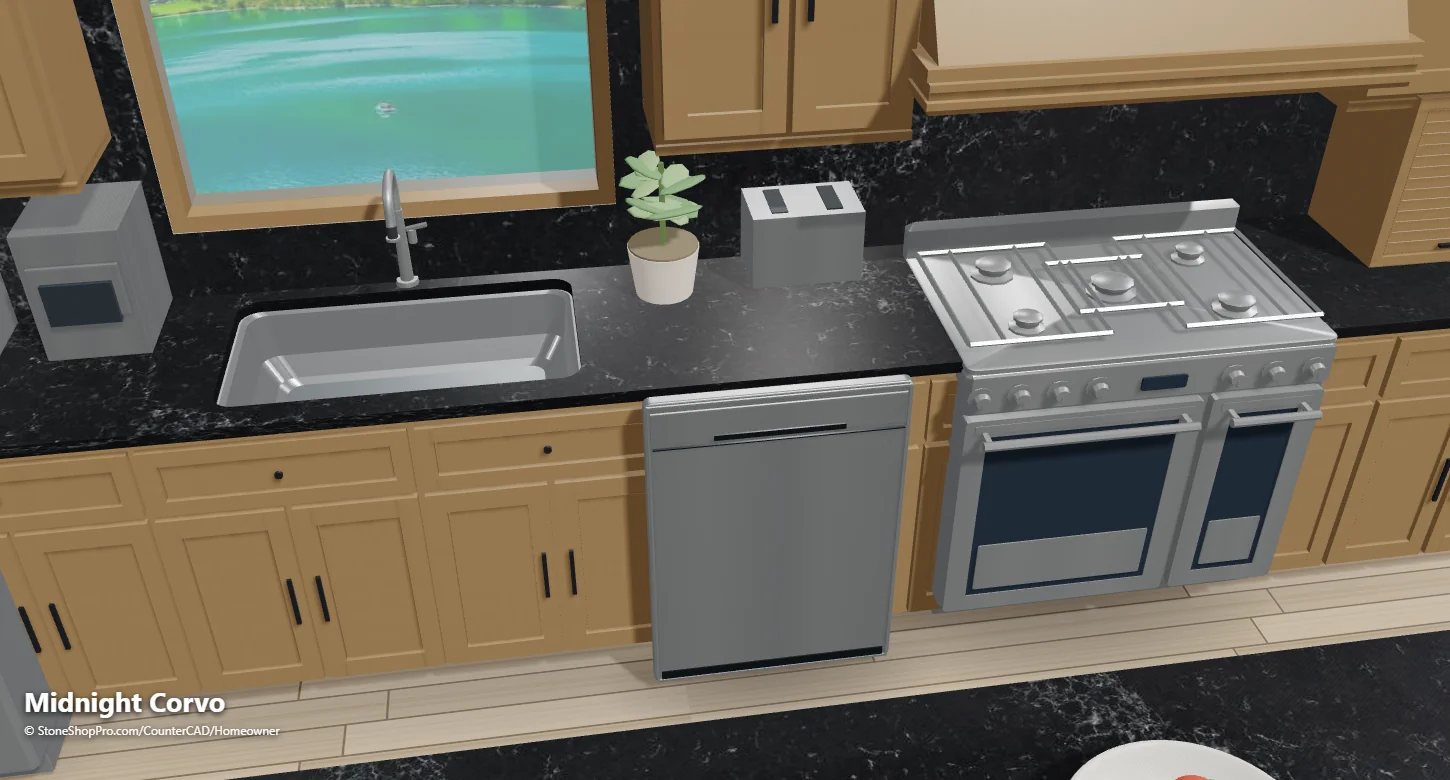
Charcoal and black surfaces can create a striking contrast with light cabinets or a quieter, coordinated look with dark cabinetry. Consider how natural light, polished finishes and fingerprints affect everyday appearance. View the material with your preferred appliance finishes rather than in isolation.
CounterCAD's approach is not restricted to a single major countertop brand. A participating local shop may connect its own available materials or customized inventory. That means your design process can begin with the look you want and continue with the products a local professional can actually source.
Yes. CounterCAD supports material previews in its 3D design experience.
Not necessarily. Digital previews are illustrative; inspect the actual slab or approved samples.
Participating shops can configure material offerings and inventory integrations; availability depends on the shop.
Use CounterCAD's free countertop design tool to draw a measured kitchen layout, compare countertop materials, and preview your design in 3D.
Learn how to estimate countertop square footage, account for islands and corners, and use CounterCAD to build a measured countertop layout.
Design countertops online in CounterCAD. Create kitchen layouts, preview granite and quartz materials in 3D, and share your concept with a local pro.